

Customer support
Please Contact Us Before Requesting a Return.
Most issues are caused by configuration settings and can be resolved quickly by our technical support team.
Setup & Guides for PG and YC series
Video link:
https://www.youtube.com/watch?v=7gzSDx-OBFY&list=PLHnanNJL7osTbCCVS9bfDegy5NqUeS2na
Specification
2 x 1/2.7" GC5623 CMOS/1/2.9" GC2063 CMOS
4096 × 1944@20 fps 2 x 2.8 mm fixed lens H.265+, H.265, H.264
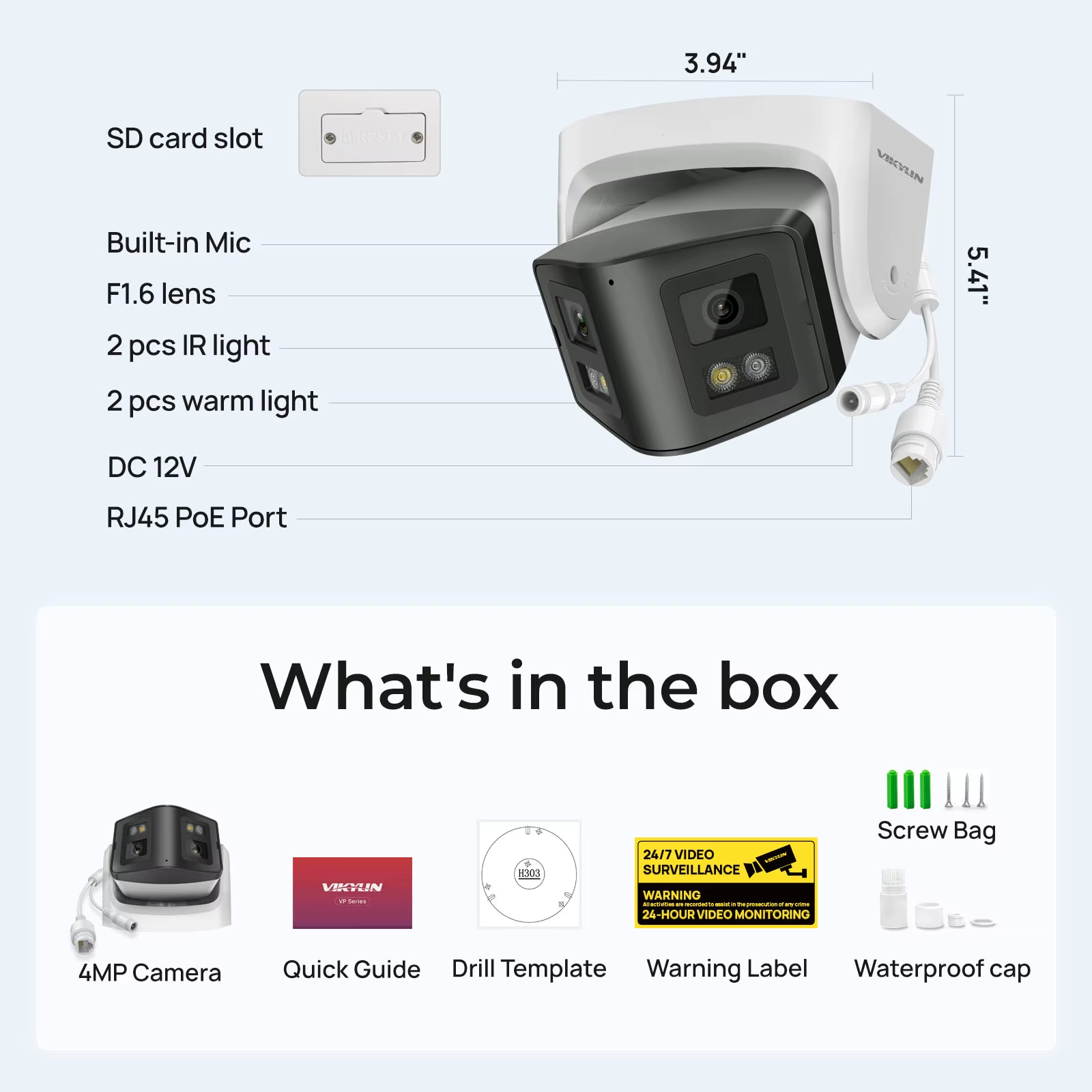
F1.6 lens Built-in Microphone
White Light & IR Range: up to30 m
WDR/HDR/3D DNR/HLC/BLC
Water and dust resistant(IP66) Color: 0.05 lux @(F1.6), 0 lux with IR light Angle adjustment
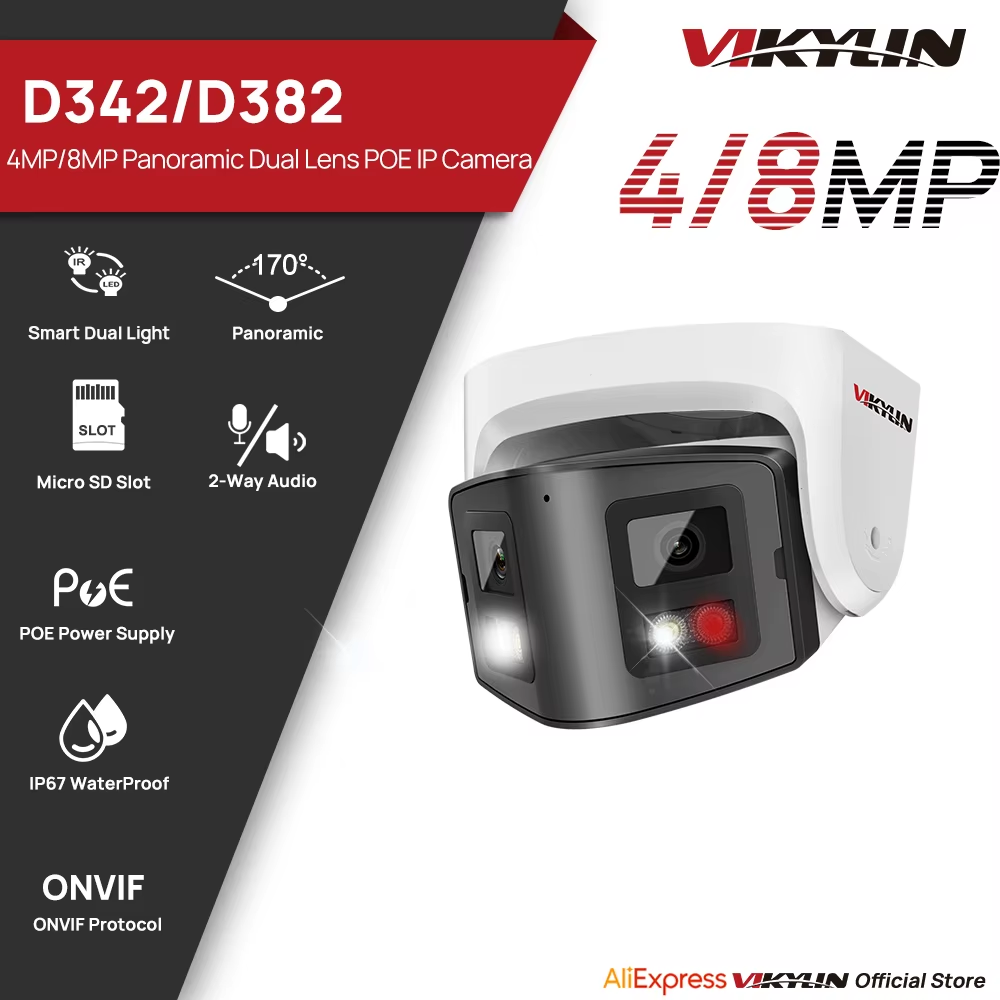
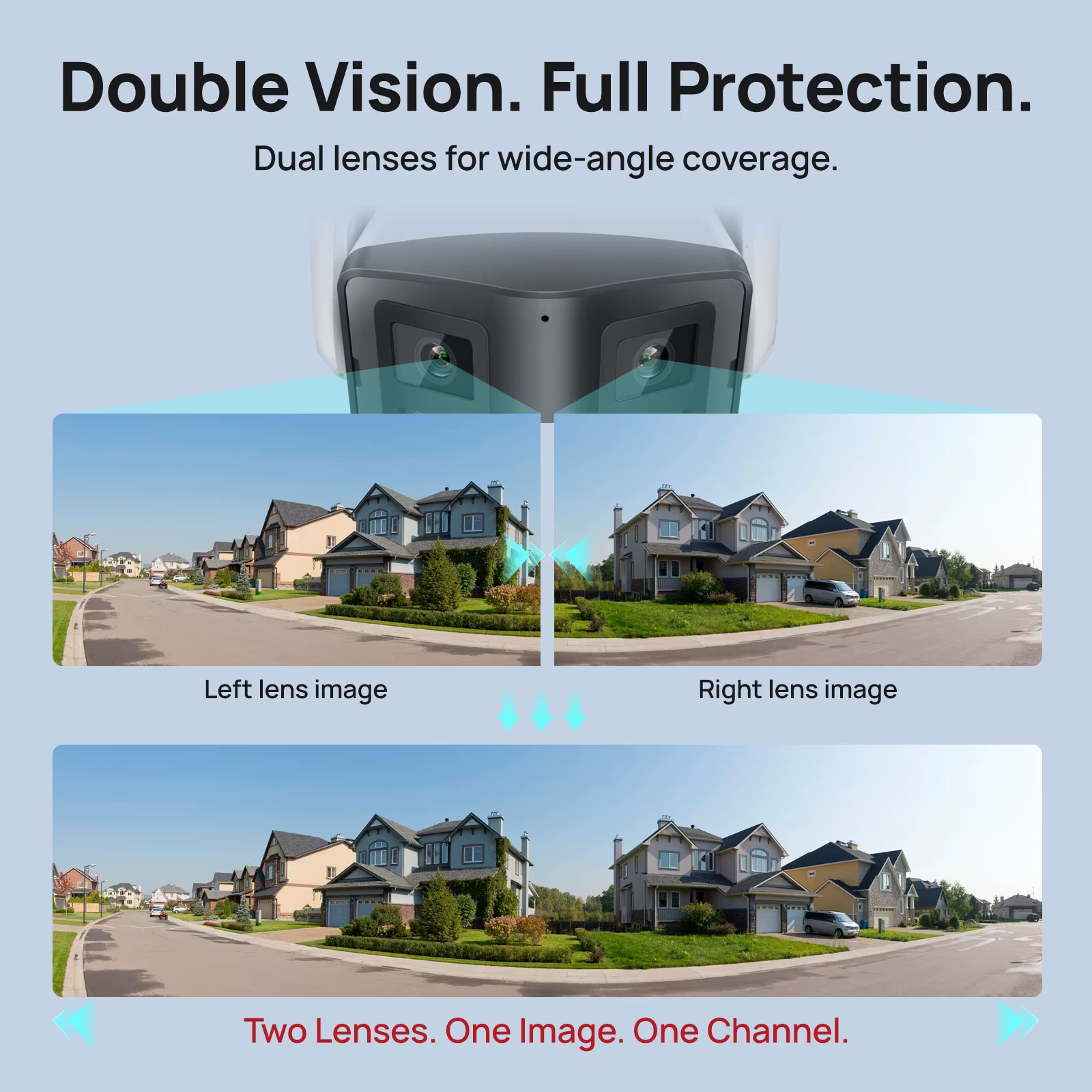
170' View panoramic camera
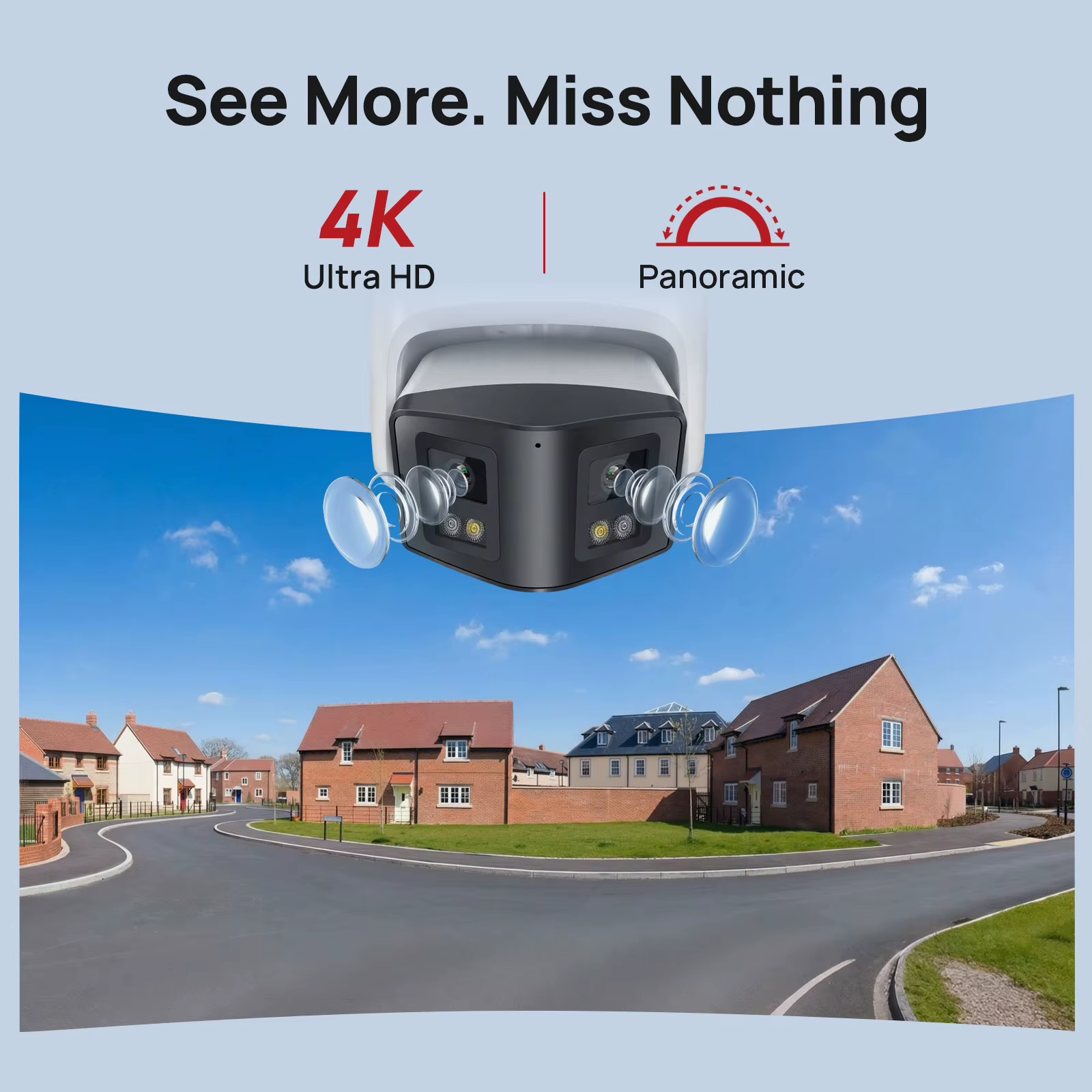
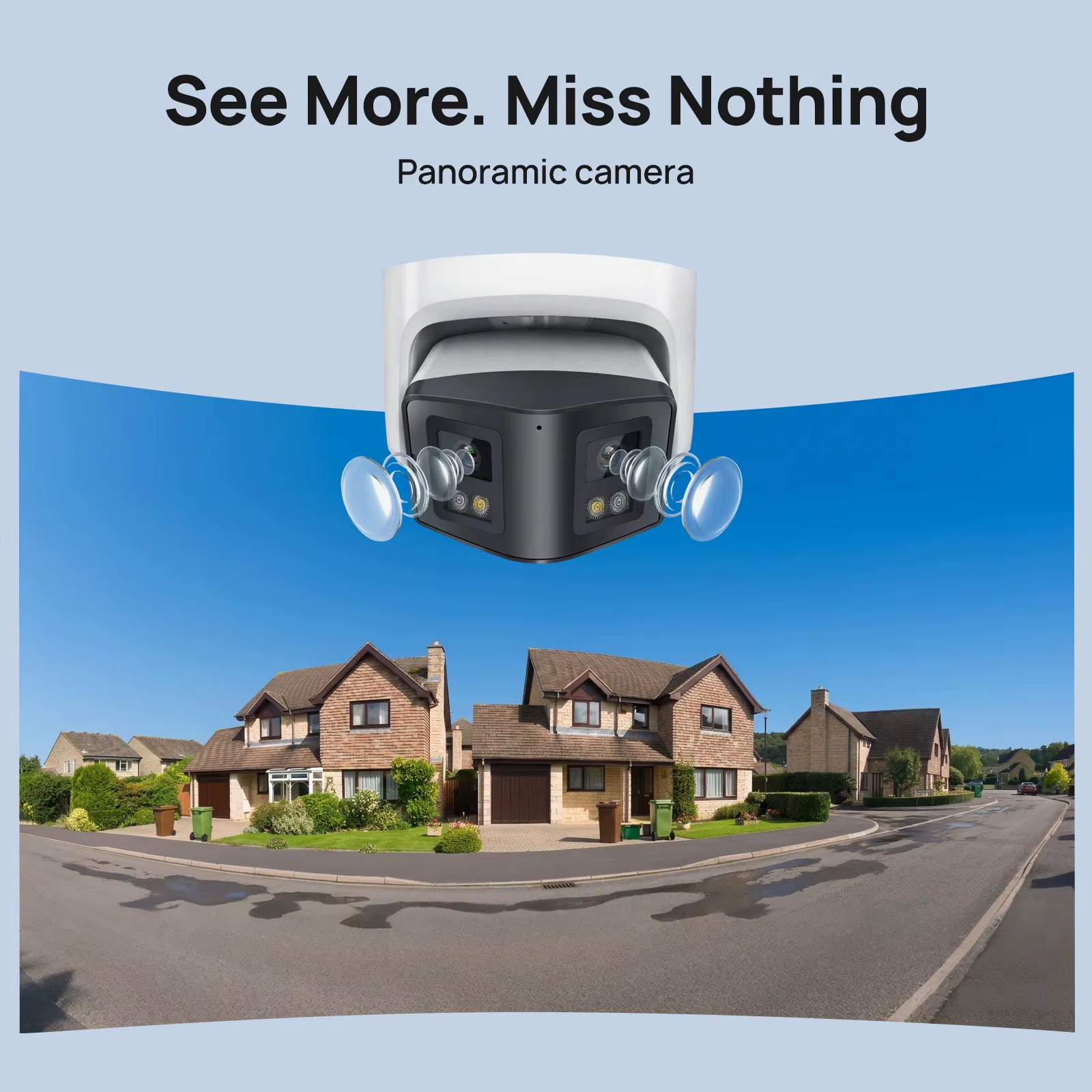
Deploying video security systems across vast indoor and outdoor areas is a complex task.
Typically, multiple cameras are required to fully monitor the entire area. Panoramic cameras utilize advanced optics and technology to provide excellent coverage in all directions
With a wide field of view, a single camera can provide extensive coverage
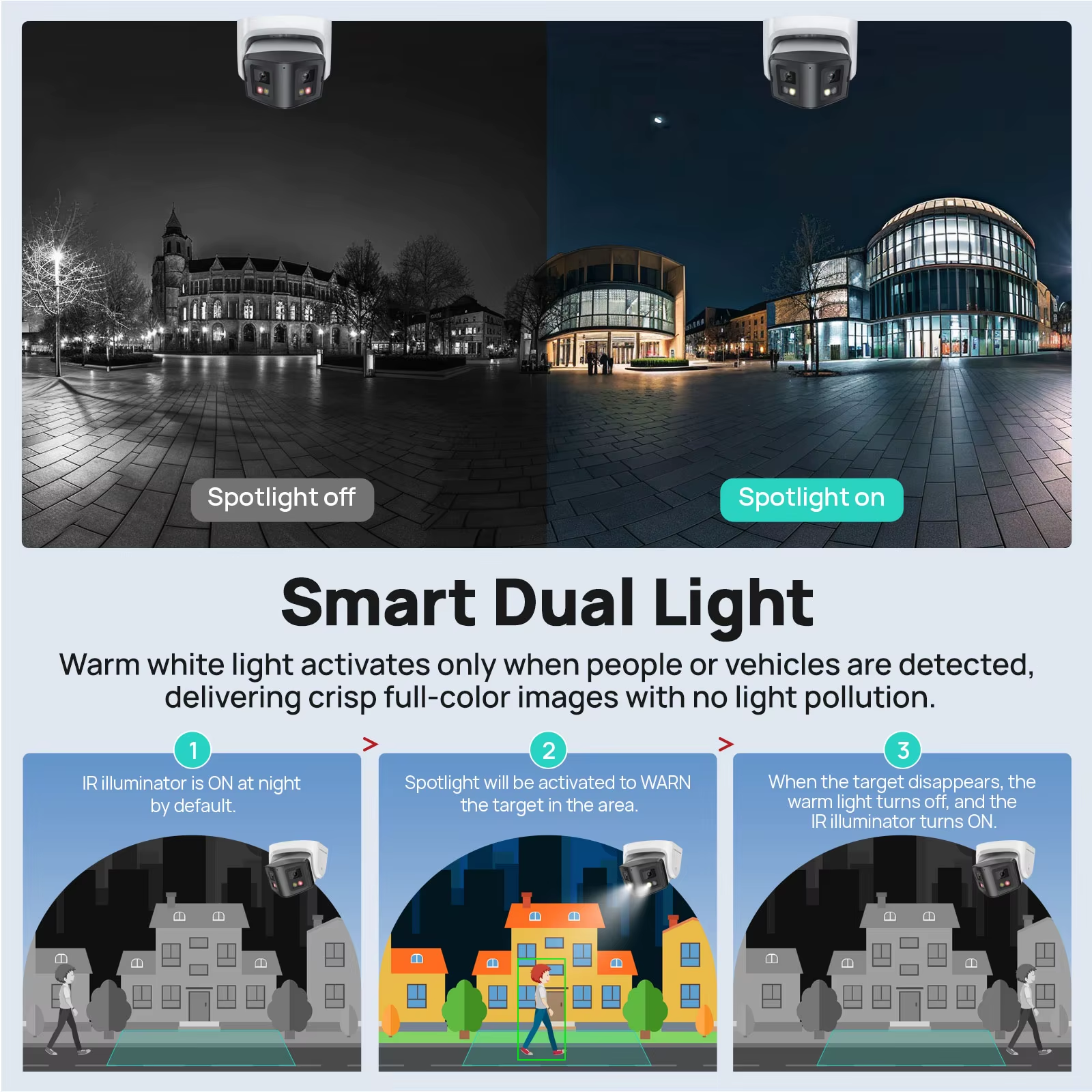
With Smart Dual-Lights
Smart dual light model to show IR night vision when human break in the white light will automatically turn on to show full color night vision for Active Deterrence.
>Pure infrared light mode to show IR night vision
>Pure white light mode to show full color night vision
Smart Motion Detection
When a person or vehicle makes a significant displacement within the designated monitoring area, the corresponding response mechanism will be triggered, such as starting video recording, sounding an alarm, sending notifications to preset contact information, etc.
Two-way Audio Communication
Built-in microphone & speaker allow you to listen and talk to whoever the camera catches in real time, say "hello" to families and friends or warning to suspicious strangers.
Support H.265 smart Coding Format
Compared to H.264 encoding, H.265+ reduces the stream by about 50%, e.g. a 100Mbps stream can be reduced to 50Mbps.
Easy POE Installation
Faster, Simplified & Lower-Cost Installation
3DNR Enhanced Clarity in Low-Light Situations
Stay IP67 Weatherproof
The IP67 protection rating provides excellent protection for your equipment. Whether it's a dusty environment, an accidental splash or even a short immersion, there's no need to worry.
SUPPORT ONVIF
Works with most ONVIF-based NVR systems on the market.
4 Programmable Privacy Masks
Help comply with privacy regulations and shield sensitive areas.
Optimal Installation Guide for 180° Dual-Lens Camera
1.
Install on a Flat Wall
Ensure the camera faces an open area for proper 180 stitching.
2.
Recommended Open Distance≥30m/100ft
≥30m
3.
For First-Time Setup & Testing
Please test the camera in an open areat to evaluate full o performance
Improper installation may affect panoramic stitching quality.
Adjustable lmage Stitching
For First-Time Setup &Testing Please test the camerain an & open area to evaluate full 180° performance.
Improper installation may affect panoramic stitching quality
Wider Compatibility
Considering your utmost convenience, this panoramic security camera is compatible with regularbrowsers like Google Chrome. And it supports multi-platform use and multiple download methods
Package list
Frequently Asked Questions:
1.Why can’t I open the default IP address 192.168.1.110 via web browser ?
A:The default IP address may not match your LAN’s IP scheme. Check your
computer’s IP address before accessing the camera. If the IP address does not match
the 192. 168. 0.x scheme, please install the IP search tool from the download website
to modify the camera’s IP address. Make sure the IP address of the camera matches
the LAN IP scheme. For example, if the your LAN is 192. 168.1.xxx(192. 168.2.xxx)...,
then set the IP camera to 192. 168.1. 123(192. 168.2.123)... and so on.
For details about how to change the IP address, please refer to 3.1
2.How to reset the password ?
A:The default Username: admin, Password: 123456. If you lost the password or wantto
reset the camera’s setting, please install the search tool Ajdev to search the
camera IP and click Batch Reset button.
3.How to upgrade the IP camera ?
A:①Ask the supplier for the suitable firmware.
②You can use the web browser, Ajdevtools, or PC client to upgrade the camera.
③Go to the Configuration > System >update, click browse and select the firmware,
then click Upgrade button and wait for the operation to complete.
4.How to fetch the RTSP video stream and http snapshot ?
A:①Main Stream: rtsp://admin:123456@IP address/stream0
②Sub Stream: rtsp://admin:123456@IP address/stream1
③Main stream snapshot:
http://192.168.20.131/snapshot.cgi?stream=1&username=admin&password=123456
④Sub Stream snapshot:
http://192.168.20.23/snapshot.cgi?stream=0&username=admin&password=123456
5.Why does the NVR not show image after adding your IP camera ?
A:①Make sure you selected the right protocol and enter the correct username and
password when adding the cameras
②Make sure the NVR and IP camera are the same IP segement.(eg. NVR:192.168.1.x,
and IP camera:192.168.1.y).
③Try changing the camera encode mode to H.264 if the NVR can’t support
H.265. (Configuration -> Camera -> Video > Encode mode: H.264)